
Events people remember.
Invite people to the experience before the event, engage them on site and extend the connection once it is over.
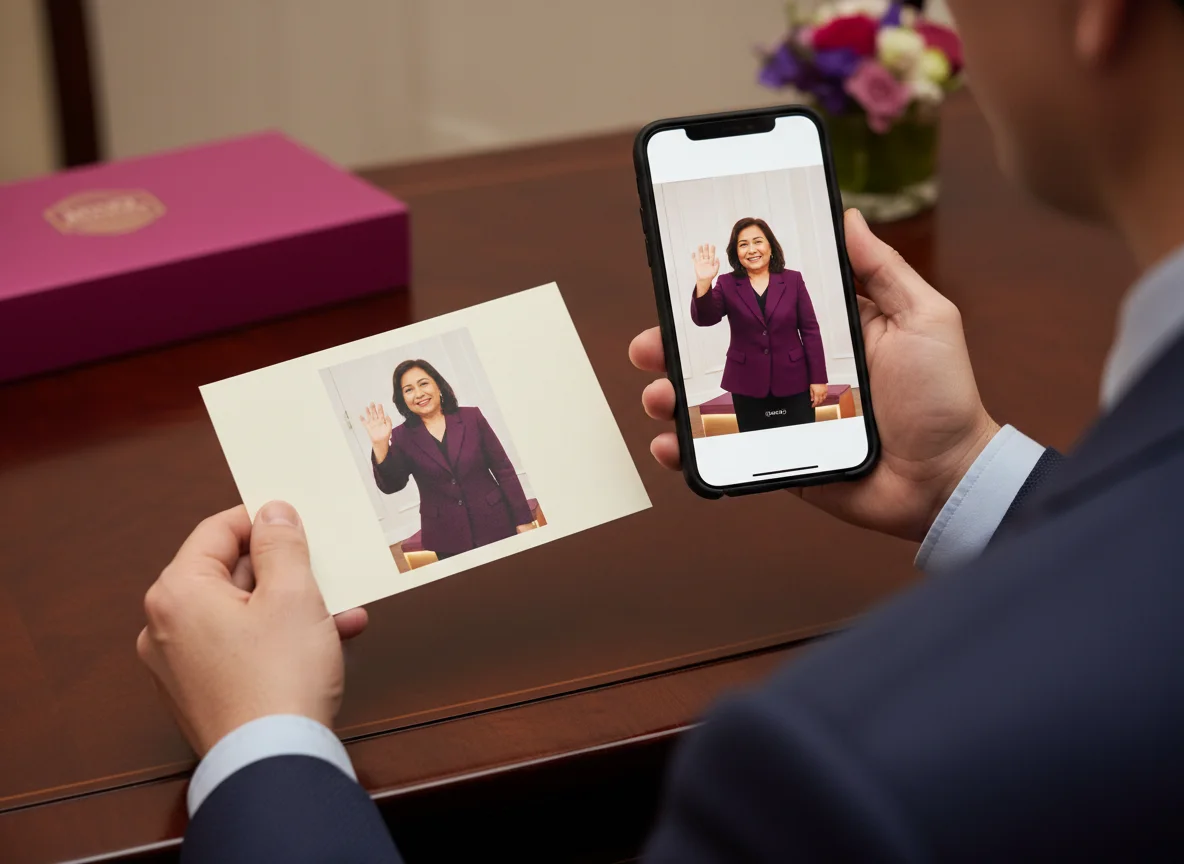 Use case concept · Higgsfield visualisation
This is what
your next step could look like.
Camera filters and effects
Games, contests and quizzes
Interactive stands and sponsor materials
These are proposed scenarios. We choose the final scope, compatibility and launch method for the specific project.
Let's talk about this ideaGOOD TO KNOW
Frequently asked questions
How can AR be used at trade shows and events?
A poster, roll-up, badge or any material on your stand can show a product presentation, a video or a game, and also collect contacts. The content keeps working after the event.
Does the recipient have to download an app?
No. The experience runs in the phone's browser (WebAR): the recipient scans a QR code or opens a link and points the camera at the material. The browser only asks for permission to use the camera.
Does it work on every phone?
It works on most modern Android and iOS smartphones in an up-to-date browser. Before launch we test the experience on a defined list of devices, and for older phones we prepare a video-only version.
Can the video be changed after printing?
Yes. The content is linked to the print through a server, so the video, buttons and links can be replaced during the campaign without reprinting.
Can the results be measured?
Yes. We can see the number of launches, video views and button clicks, broken down by day and by version of the material. The details are described in our guide to measuring campaigns.
HOW IT WORKS
From print to video in three steps
- Scan
The phone camera or a QR code opens a web page – no app to install.
- The image comes alive
A video, animation or 3D model appears on the print.
- Your audience acts
One button leads to your shop, a form or your contact details.